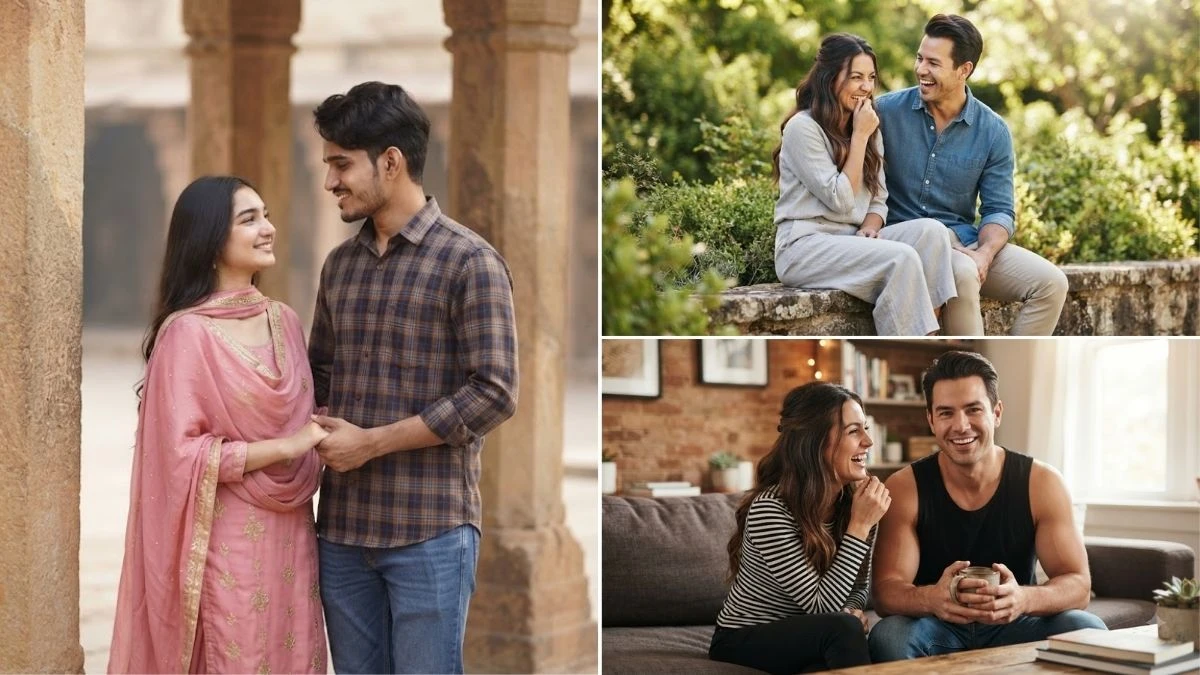
Romantic couple photo edits are trending across social media, and AI tools like Gemini are making it easier to create stunning cinematic memories with just a few creative prompts. Whether you want a dreamy pre-wedding look, a vintage love story theme, a sunset couple portrait, or a realistic movie-style scene, the right Gemini AI prompt can transform your ordinary photos into breathtaking visuals.
In this article, we have shared 15 trending romantic couple Gemini AI prompts that you can use to create dreamy cinematic photo edits with realistic details, beautiful lighting, emotional expressions, and professional photography effects. These prompts are perfect for couples, creators, and anyone looking to generate viral AI couple images for Instagram, Pinterest, and other social media platforms.
Prompt 1:
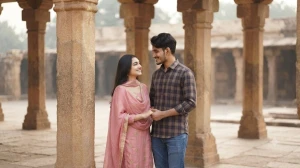
Use this:
“A loving couple, the woman in a pink traditional Indian salwar kameez with a dupatta, the man in a brown and blue plaid shirt with jeans. They hold hands, smiling at each other under rustic architectural columns. Soft, natural lighting enhances their connection. A photorealistic portrait of the uploaded images.”
Prompt 2:

Use this:
“A cheerful indoor couple scene. The man, muscular with dark hair, wears a black sleeveless top and holds a mug while smiling forward. The woman, with long dark hair styled half-up, laughs at him, wearing a striped top. The warm, blurred background creates a cozy vibe. Photorealistic rendering.”
Prompt 3:

Use this:
“A joyful young couple seated on a low wall outdoors. She wears a light grey blouse and wide-leg pants, playfully biting her finger. He wears a blue denim-style shirt with khaki pants, laughing heartily. Background features soft green foliage with bright natural lighting. Photorealistic portrait.”
Prompt 4:
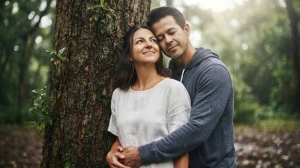
Use this:
“A serene couple leaning against a tree. The woman in white looks upward with a gentle smile; the man in a hoodie stands behind her, eyes closed, relaxed. Raindrops or water add a natural touch. Soft lighting enhances intimacy. Photorealistic portrait of uploaded images.”
Prompt 5:
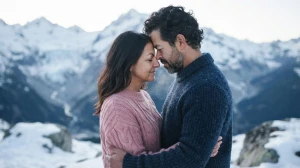
Use this:
“An intimate snowy mountain scene. The woman in a pink knitted top rests her forehead on the man’s, eyes closed. He wears a blue sweater with curly hair and a beard. Background shows snow-capped mountains under soft cool lighting. Photorealistic portrait.”
Prompt 6:

Use this:
“A classic romantic pose. The man in a white shirt with suspenders holds a rope tenderly, gazing at the woman in a dark gown with decorative pins. Focused, warm lighting highlights their intimate connection. Photorealistic portrait.”
Prompt 7:
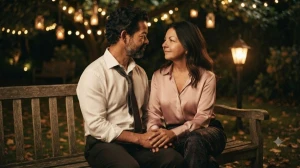
Use this:
“A nighttime bench scene. The couple looks at each other, the man in a white shirt and loosened tie, the woman in a pink top with patterned pants. Soft glowing lights create an intimate and romantic atmosphere. Photorealistic rendering.”
Prompt 8:

Use this:
“A poignant travel moment. The man in a green striped t-shirt looks directly at the viewer; the woman rests her head on his shoulder, gazing into the distance. Warm, blurred background suggests a journey. Soft golden lighting emphasizes emotion.”
Prompt 9:
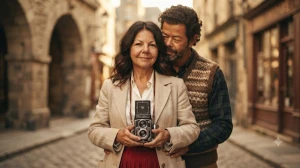
Use this:
“A vintage-style portrait. The woman holds a twin-lens camera, wearing a light coat over a white blouse and red skirt. The man behind her embraces her gently, in a patterned vest and plaid shirt. Background of blurred historic architecture creates timeless romance. Photorealistic portrait.”
Prompt 10:
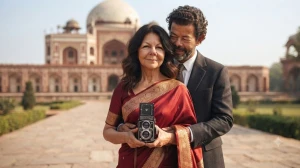
Use this:
“A romantic outdoor couple. The woman in a red saree smiles gently; the man behind her holds her lovingly, wearing a suit. The background shows a domed historical building under bright daylight, evoking a classic Indian setting. Photorealistic rendering.”
Image Source: Gemini AI
How to Create Romantic Couple Photos Using Gemini AI Prompts?
Creating dreamy romantic couple photos with Gemini AI is simple. You only need a clear image, a creative prompt, and a few editing ideas to generate realistic cinematic visuals. Follow these steps:
Step 1: Choose a High-Quality Couple Photo
Select a clear couple picture with good lighting and visible faces. A high-resolution image helps Gemini create more realistic and detailed results.
Step 2: Open Gemini AI Image Generator
Open the Gemini AI app or web version and access the image generation feature. Upload your couple photo if you want to transform an existing image.
Step 3: Add a Detailed Romantic AI Prompt
Write a detailed prompt describing the desired mood, location, lighting, outfit, and photography style. Mention details like:
- Cinematic lighting
- Romantic atmosphere
- Natural expressions
- Realistic skin texture
- Professional DSLR photography
- Background scenery
Example prompt:
"Transform this couple photo into a dreamy cinematic portrait. Add a romantic sunset background, soft golden lighting, natural expressions, realistic details, and a professional DSLR photography style with shallow depth of field."
Step 4: Customize the AI Result
If the generated image does not match your expectations, refine the prompt by adding more details about:
- Dress style
- Location
- Season or weather
- Camera angle
- Color tone
- Mood and emotions
Step 5: Download and Share Your AI Couple Edit
Once you get the desired result, save the image and use it for social media posts, wallpapers, profile pictures, or creative projects.